
Approve or counter-propose a partner's onsite visit
A partner has proposed an onsite visit and you need to either confirm their dates or suggest different ones. Both happen from your Field Ops page, and the whole back-and-forth stays in one thread instead of scattering across email.
Before you start
- You need an owner, admin, project manager, or field operations seat. Read-only roles (auditor, viewer) can see proposals but can't act on them.
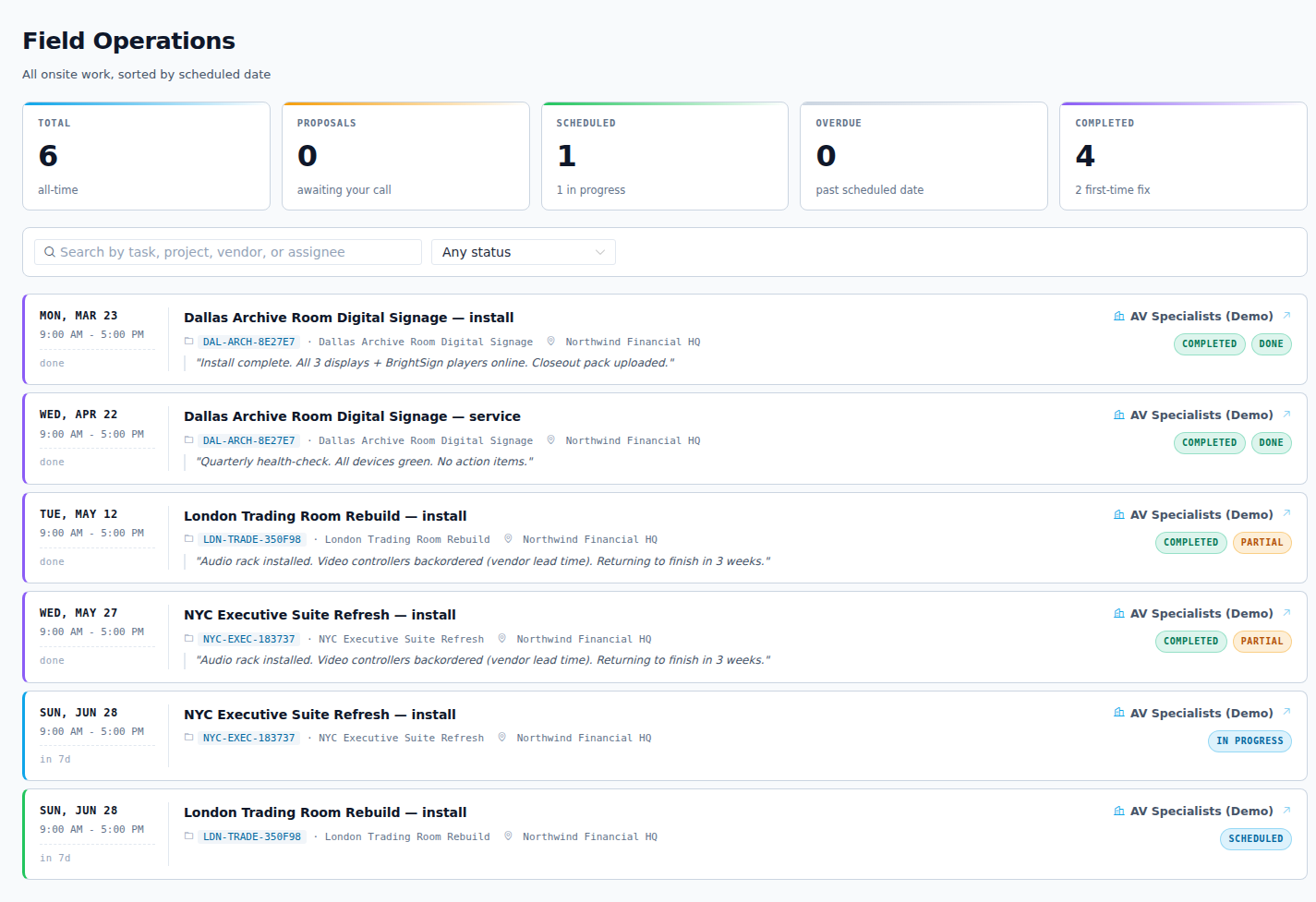
- The partner must have already proposed a visit. A pending proposal shows in an amber banner at the top of your Field Ops page, labeled VENDOR PROPOSALS, NEEDS YOUR APPROVAL. The Proposals tab keeps future-dated ones so you can find them later.
Pick your path
Each proposal row shows the partner, the project, the date and time window, and what they plan to do. From there you have three responses.
| You click | What happens | When to use it |
|---|---|---|
| Approve | Visit moves from PROPOSED to SCHEDULED | The dates work as-is |
| Counter | Visit becomes COUNTER PROPOSED with your suggested dates | The date is close but needs a change |
| Decline | Visit is rejected; the partner sees your reason | The visit shouldn't happen at all |
Path A: Approve the dates as-is
- Find the proposal in the amber banner or on the Proposals tab.
- Click Approve.
The partner sees their visit move from PROPOSED to SCHEDULED on their portal at their next refresh. You're done.
Path B: Counter-propose different dates
Use this when the partner's dates don't work, for example an audit week, a holiday closure, or another partner already onsite that day. Counter instead of declining so the conversation keeps moving.
- On the proposal row, click Counter.
- The modal opens pre-filled with the partner's dates, so you only change what's different. Adjust the date, start time, and end time.
- Write a comment explaining why. For example: "Floor closed Apr 8 for refinishing, propose Apr 15 same window." This lands in the visit's discussion thread.
- Click Send counter.
The visit status becomes COUNTER PROPOSED. The partner sees your new dates and rationale in their visit drawer. They then either accept your counter (status becomes SCHEDULED), counter back with their own new dates (status returns to PROPOSED for your re-approval), or cancel.
WARNING
Declining a proposal rejects it outright and requires a reason. The partner sees that reason and has to propose fresh dates to continue. If the date is the only problem, counter instead so you don't reset the scheduling from scratch.
Result
- Approved: the visit reads SCHEDULED on both sides.
- Countered: the visit reads COUNTER PROPOSED until the partner responds.
Either way, every step is recorded in the visit's discussion thread, so there's a single record of who proposed what and when.
Going deeper
An approved or countered visit feeds the Field Ops Reports tab once work happens. Reschedule reasons drive the "Why visits slip" chart, and visit outcomes (done, partial, blocked) drive the first-time-fix numbers. So the dates you confirm here become the data leadership reviews later.