
First login as a partner
You've been invited to a project and want to get into ApexAV for the first time. Your invite link sets up your account; from there you land in the Partner portal, where you see only the projects you're assigned to. This takes about a minute.
Before you start
- You need the invite email sent by the company that brought you on. The link is single-use, so open it on a device where you can set a password.
- If you can't find the email, check spam, then ask your contact at the company to resend the invite.
Steps
Open the invite email and click the invite link. It points at a one-time signup address that includes your invite token.
Set a password. Once you submit it, the invite link stops working and can't be reused.
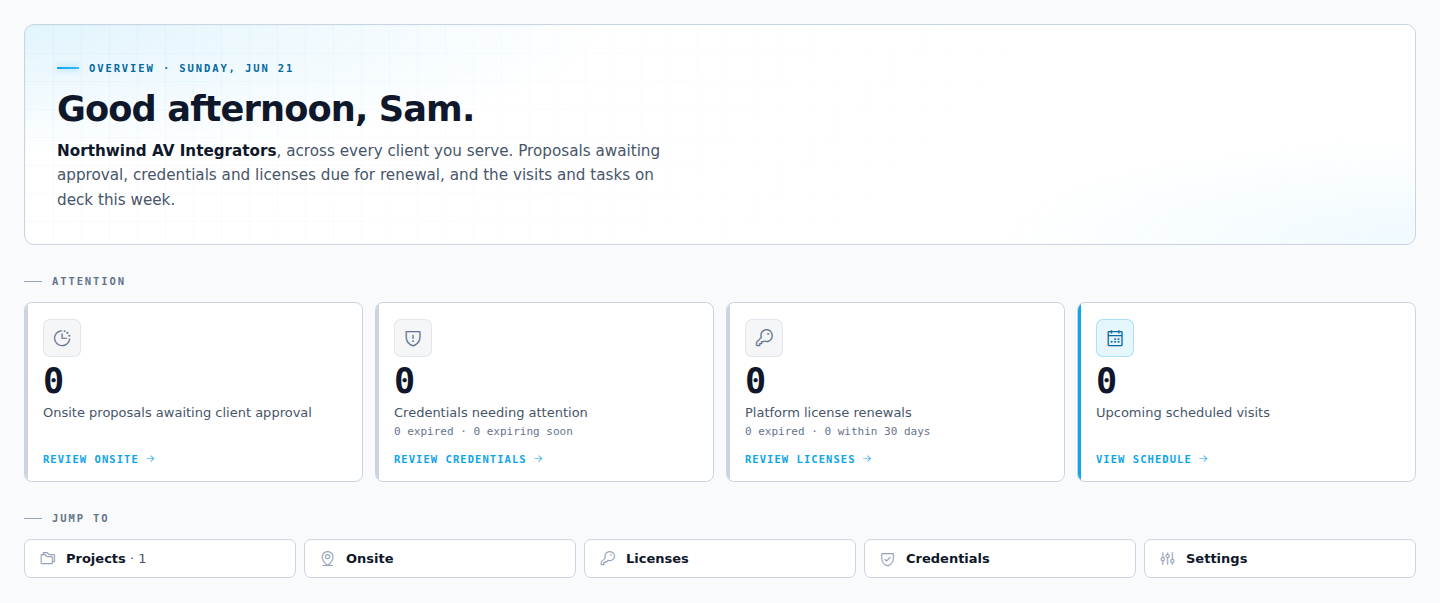
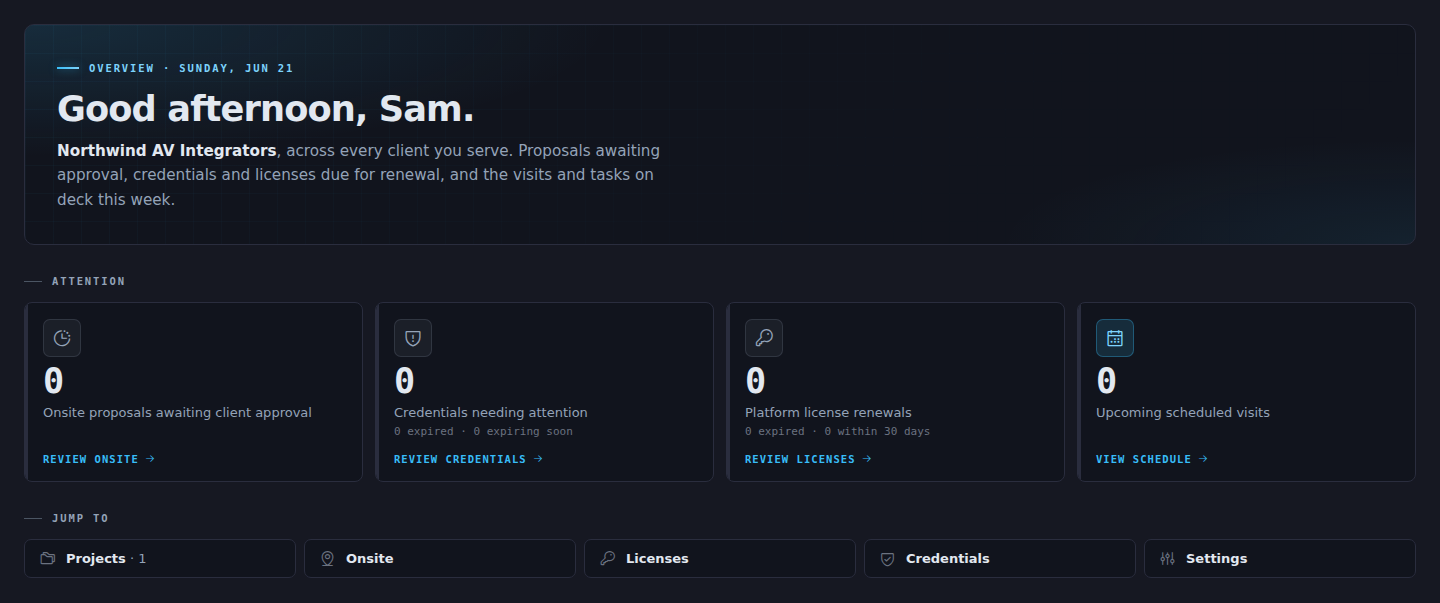
You land on the Partner portal home. The portal has seven places to go:
Destination What's there Home Your overview and stats Projects The projects you're assigned to Onsite Visits you've scheduled Infrastructure Equipment you own Licenses Platform licenses you manage Credentials Your compliance documents Settings Your account The stats strip across the top is clickable. Each card jumps to the matching tab, so it's the fastest way to get where you're going.
Result
You're signed in. You see your assigned projects and nothing outside your scope. From here you can propose an onsite visit on any project you're on.
TIP
If three people at your company need access, the company sends three separate invites. There are no shared logins, because the activity trail records who did what by name.
Troubleshooting
| What you see | What to do |
|---|---|
| The invite link says it's expired or already used | The link is single-use. Ask your company contact to send a fresh invite. |
| You sign in but see no projects | The company hasn't assigned you to a project yet. Ask them to add you. |