
Invite a partner to a project
You want to give an outside company (an AV integrator or sub-contractor) access to a project without handing them your whole workspace. Partners sign in to the Partner portal, not your Company app, and they only see the projects you put them on. You add the partner company to a project first, then invite individual people from that company.
Before you start
- You need to be signed in as a user who can manage the project's partners (the owner or an admin).
- Pick the project you want the partner to work on.
- Have the partner company's name and each partner user's email ready.
How a partner gets access
Steps
Open the project, then go to its Partners tab. In the Partner cooperation panel, add an existing partner company, or create one if it's new.
A newly added partner starts at read only until you raise their access level.
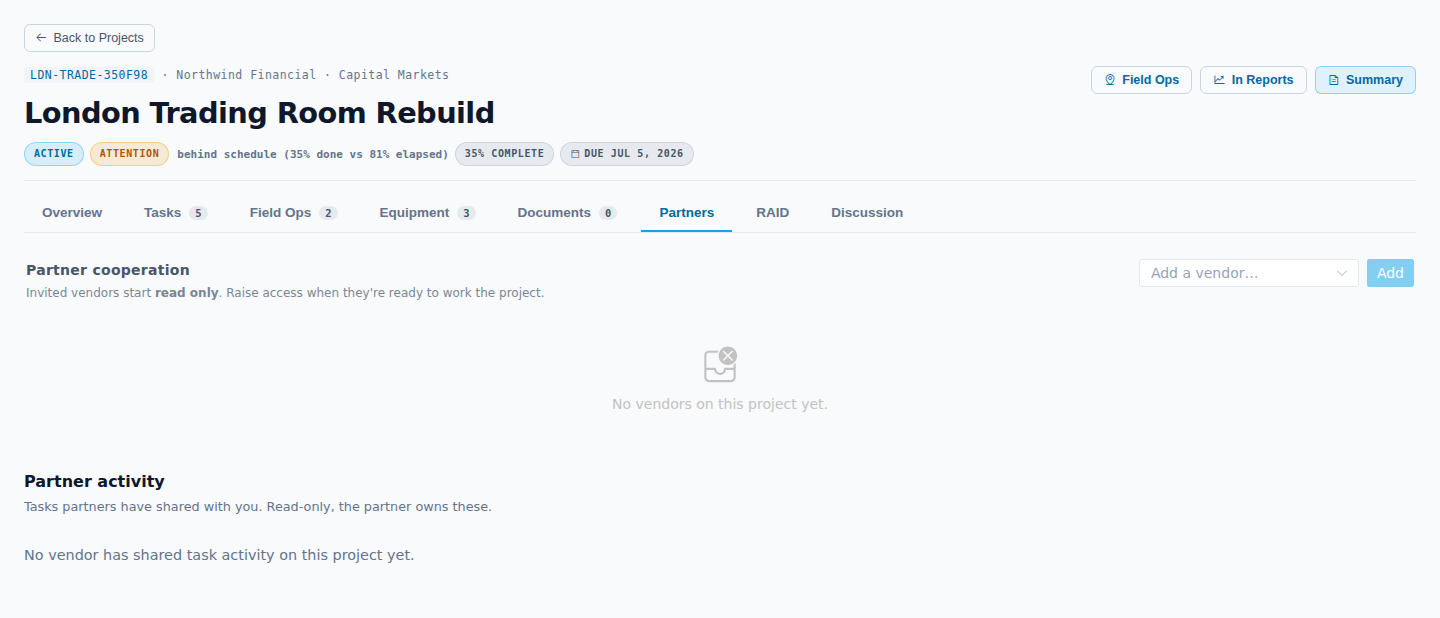
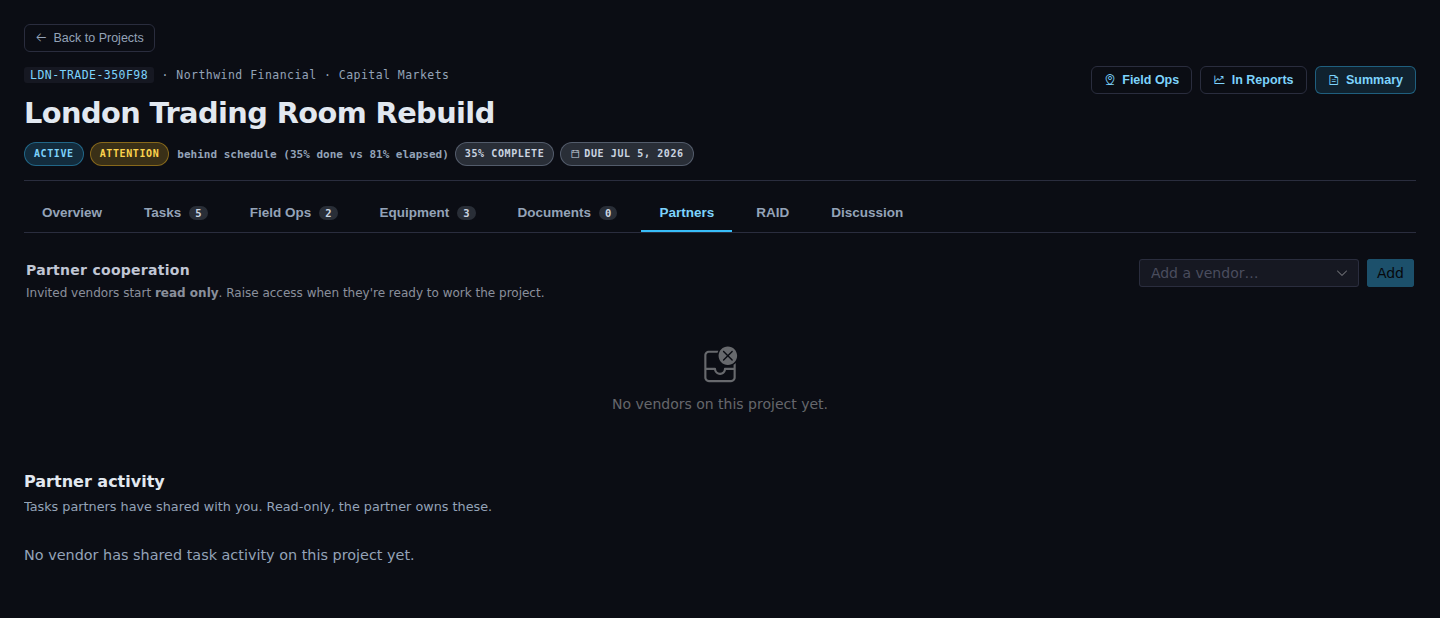
In the Partner cooperation panel, click Invite user on the partner company's row. Enter the partner user's name and email. ApexAV generates a single-use invite token.
Send the link. If the invite email doesn't arrive, the same screen shows a copyable one-time link you can hand over another way. The partner opens it, sets their password on first use, and the link then stops working.
Result
When the partner signs in, they see only the projects they're assigned to, the equipment they own, and the credentials and licenses they manage. ApexAV enforces that scope on the server, so they can't reach anything else in your account.
WARNING
Send one invite per person. Never share a login. If three people at a partner need access, send three invites. The audit trail records who did what by individual identity, so a shared login breaks accountability.
Troubleshooting
| What you see | What to do |
|---|---|
| The partner says their link doesn't work | The invite token is single-use. If they already set a password, send them to the sign-in page instead. If not, invite them again to issue a fresh token. |
| The partner can't see the project | Confirm you added their company on that project's Partners tab, and that the person accepted their invite. |